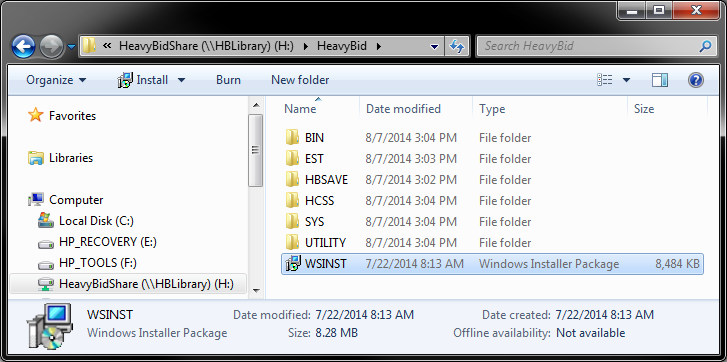
- Open Window Explorer and navigate to the HeavyBid shared directory. Locate and double-click WSINST from the root level.
-
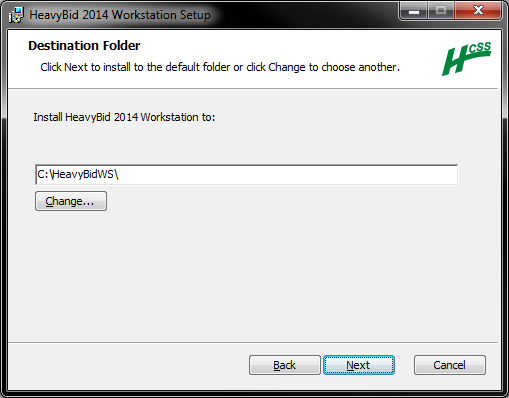
Choose a destination folder and click Next.
-
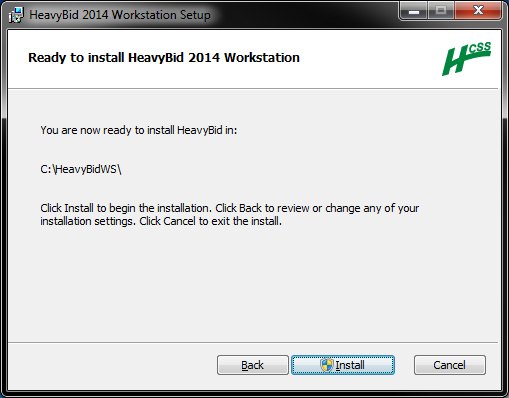
Verify that the install path is correct, then click Install.
-
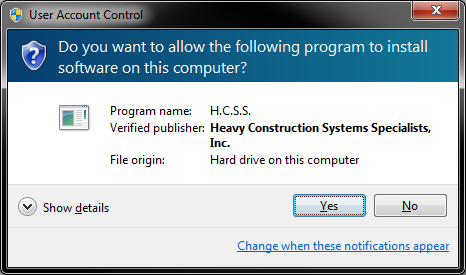
If prompted to allow the install to continue, click Yes to proceed.
-
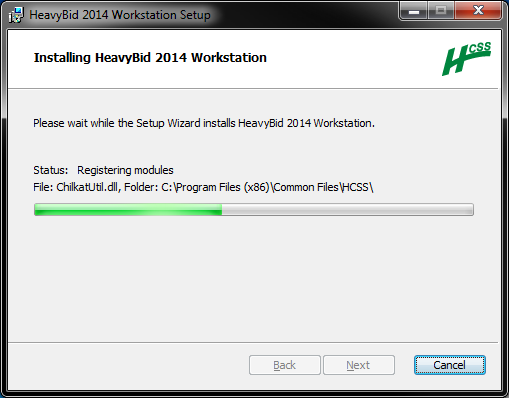
Wait for the install to complete.
-
Click Finish.
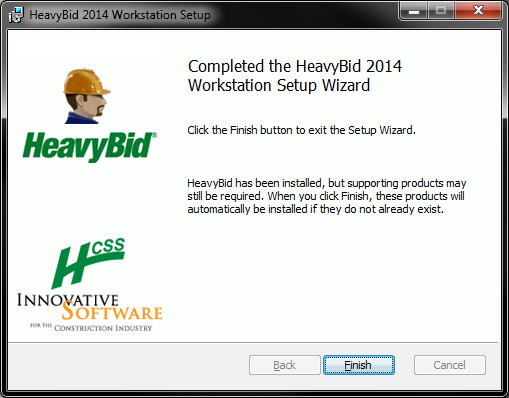
Note: After clicking Finish, supporting products (.NET 4 Client Profile, Crystal 11, SQL CE, SQL Server Native Client) will launch respective installers if they do not already exist on the machine.

