Note: Changing the applications available to users may incur additional charges.
Assigning Via Groups:
- Log in to credentials.hcssapps.com as an admin.
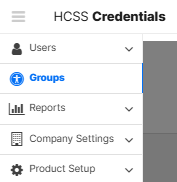
- Click Groups.
- Select the desired Subscription Group.
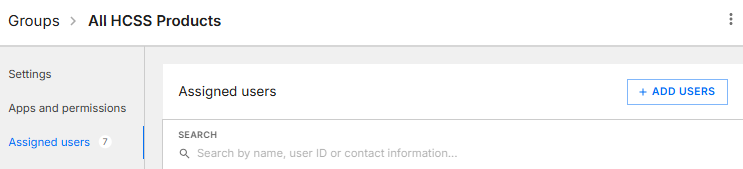
- Click Assigned users.
- Click + ADD USERS.
- Select the checkboxes for the desired users, and click ADD SELECTED.
- Click SAVE CHANGES.
Assigning Via User Profile:
- Log in to credentials.hcssapps.com as an admin.
- Select the desired User ID.
- Under Subscription & Role, select the dropdown for Subscription Group, and select the desired group.
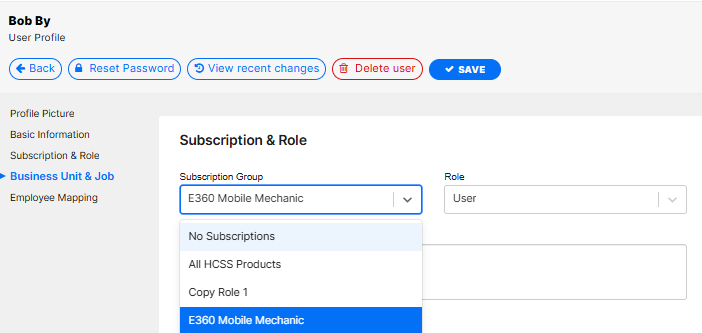
- Click SAVE.
Related Articles:

